AI Photo-to-Timelapse App
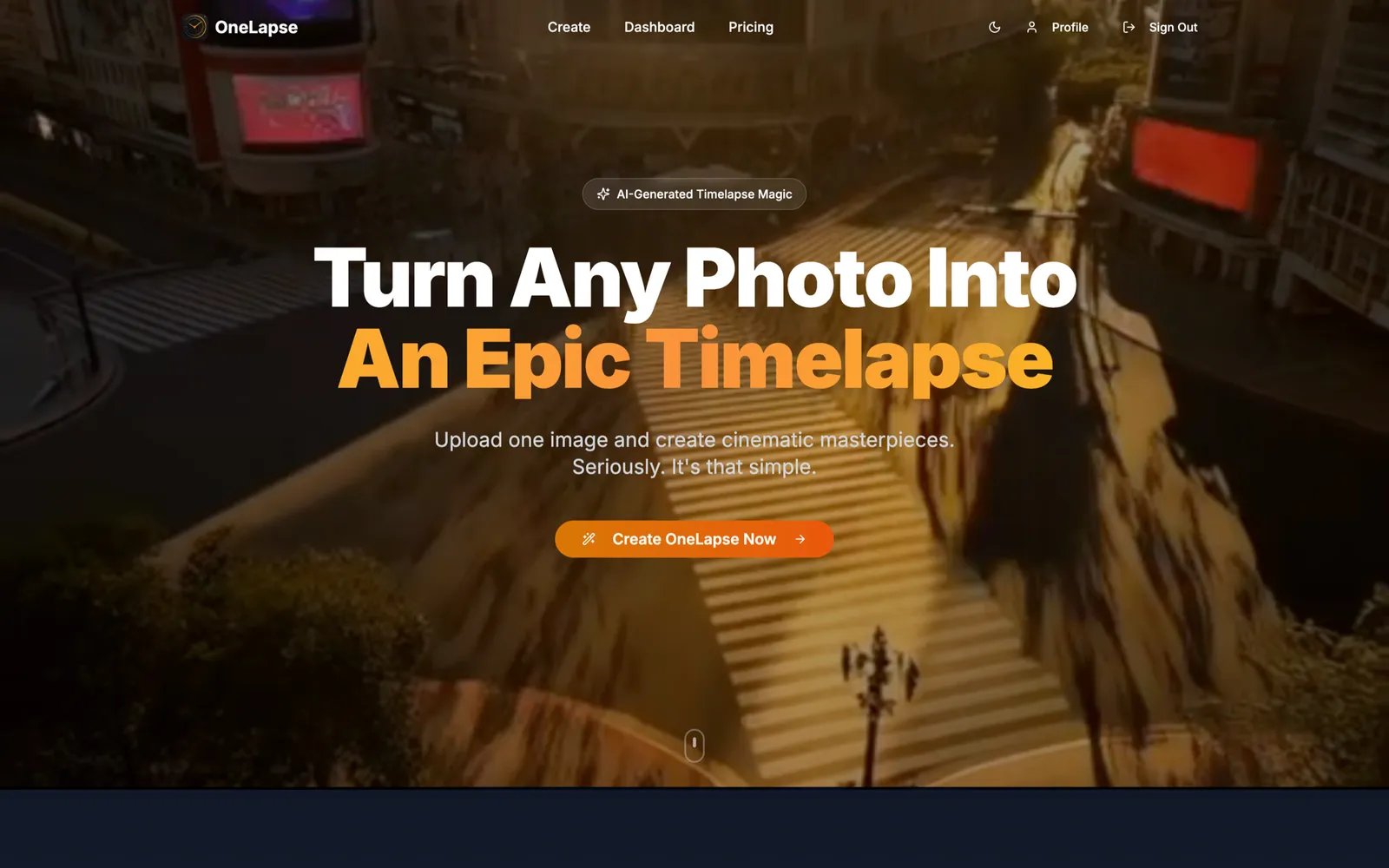
One photo in, a cinematic timelapse out. Live at onelapse.app, with 500+ registered users.
Upload a photo
Visit onelapse.app- Stripe
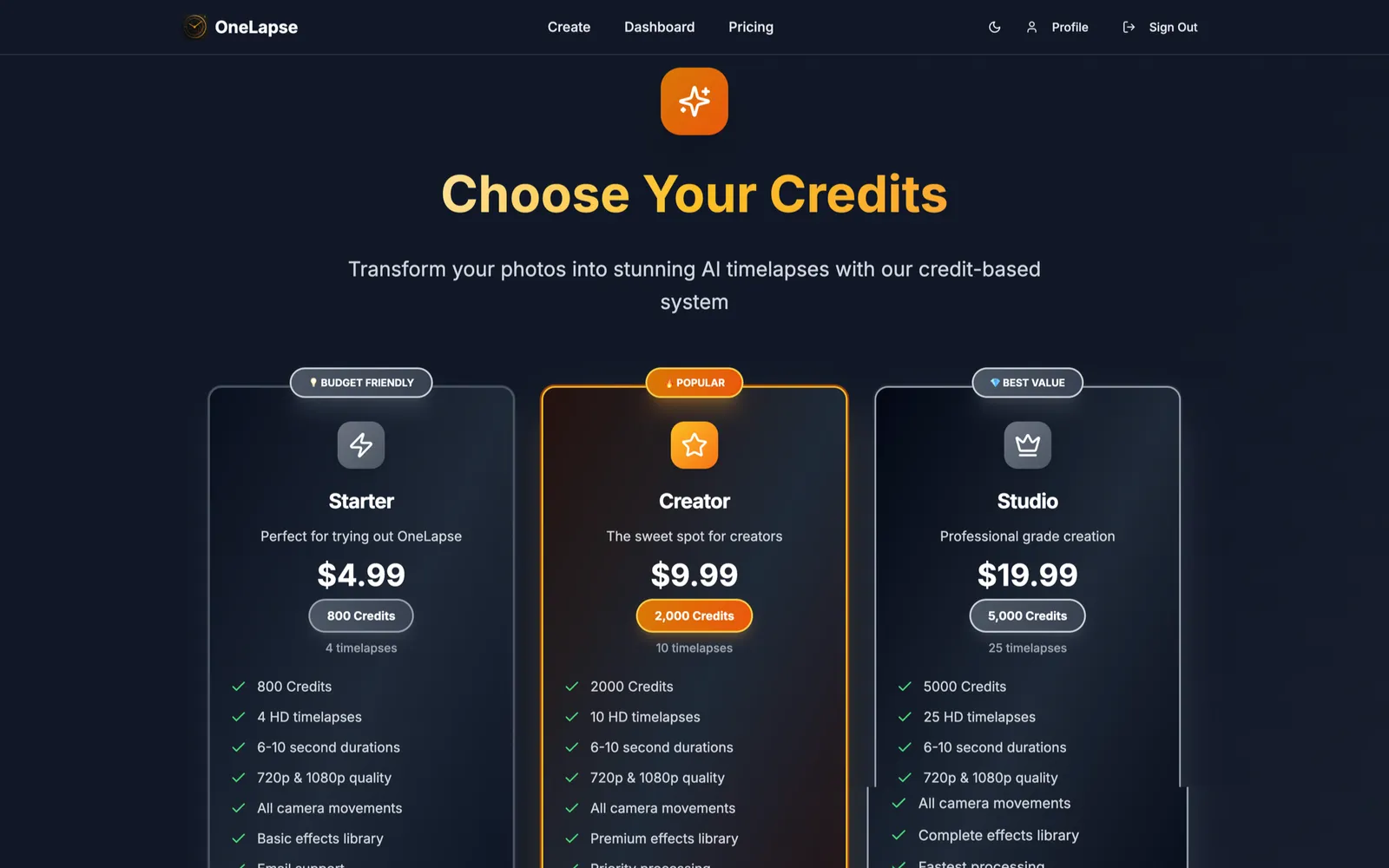
- Credit-Based Pricing
- iOS
One still photograph
A cinematic timelapse
Back in seconds
Nothing here was filmed
The still on each tile is the photograph that was uploaded, and it is the only thing that was. Press play for what came back.
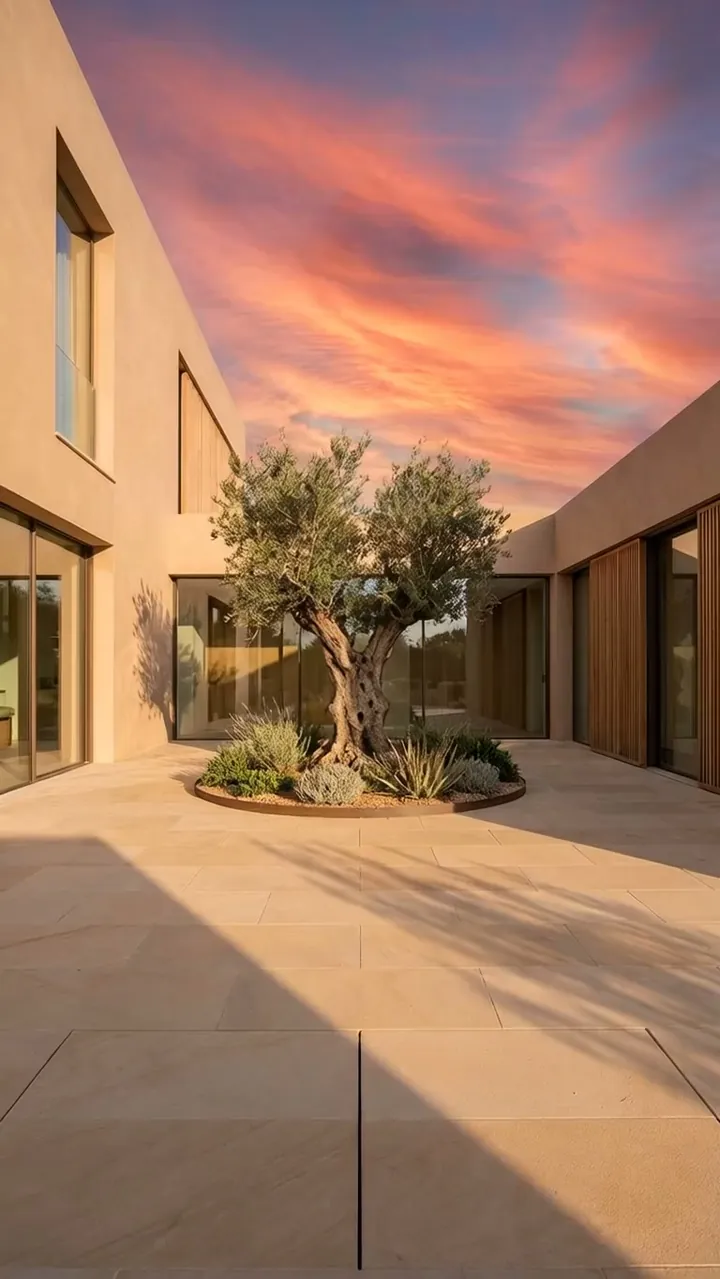
Stucco courtyard at sunset → dusk falls to night
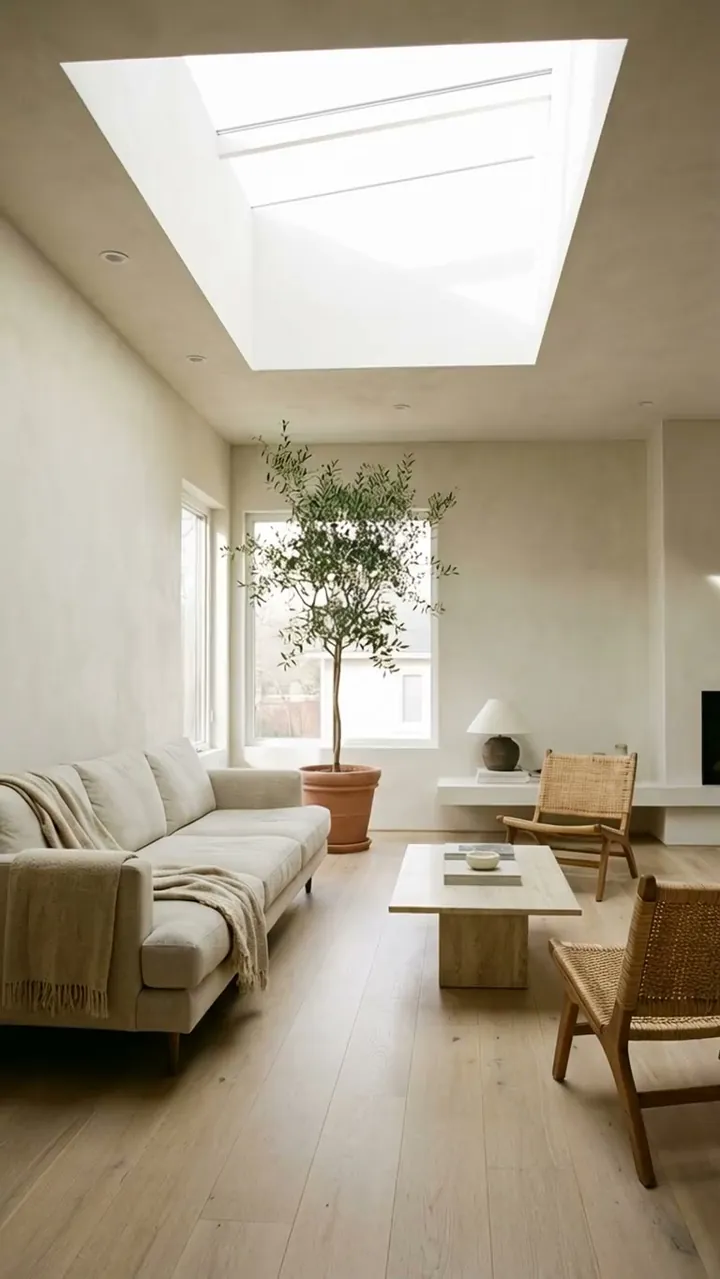
Skylit living room → the camera pushes to the fireplace

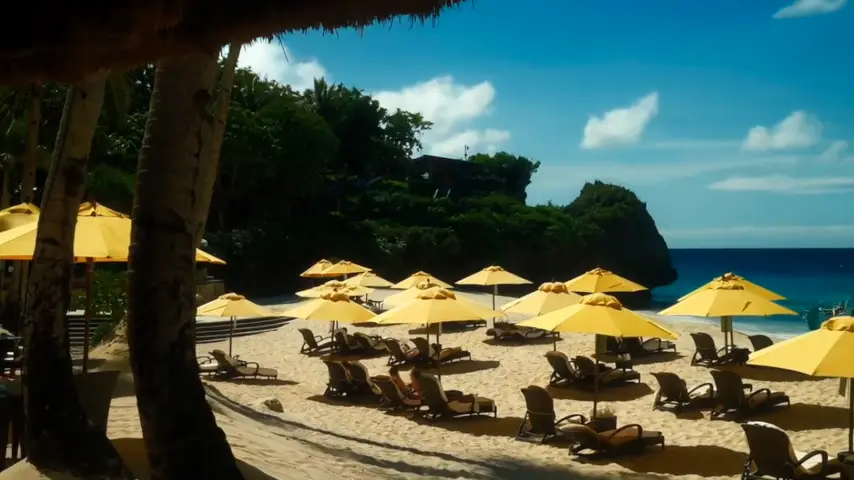
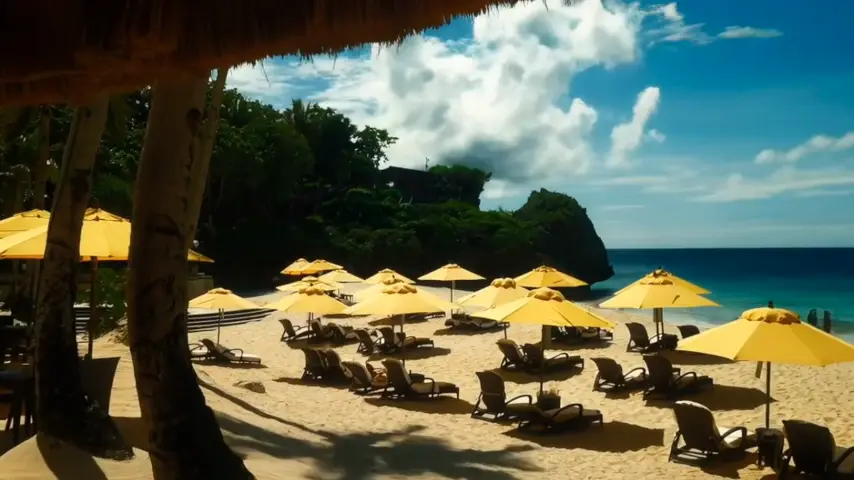
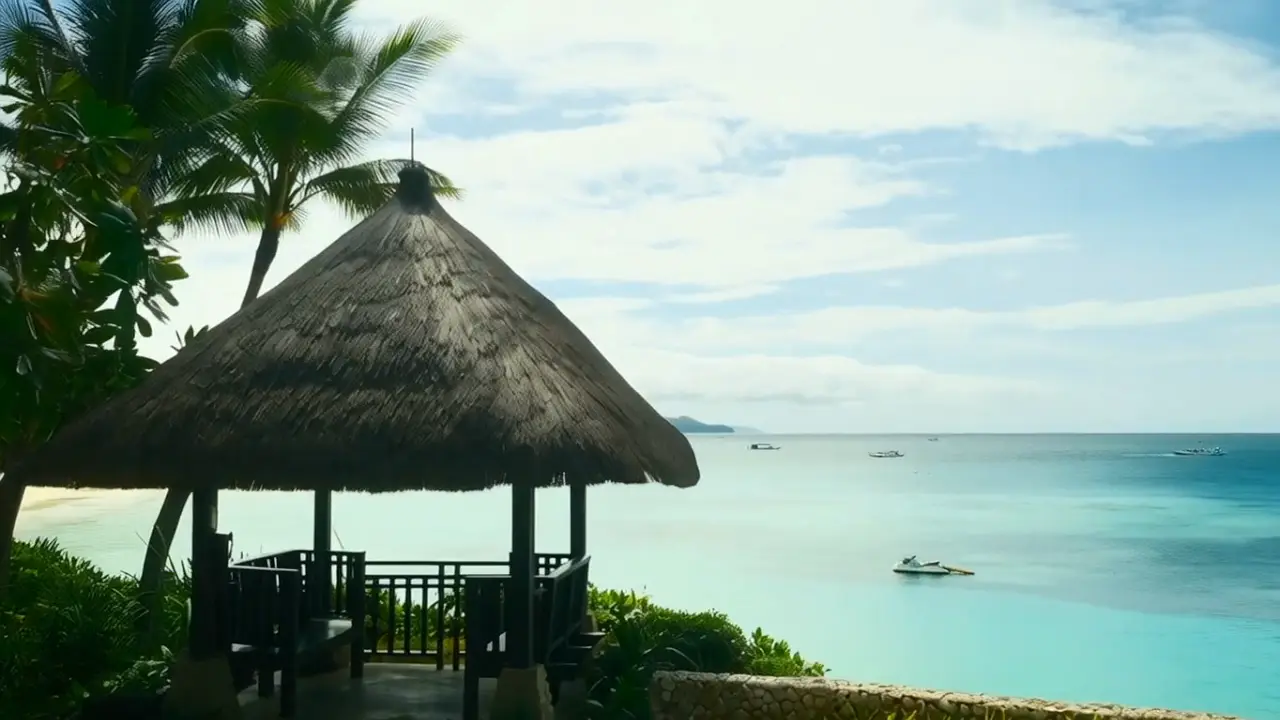
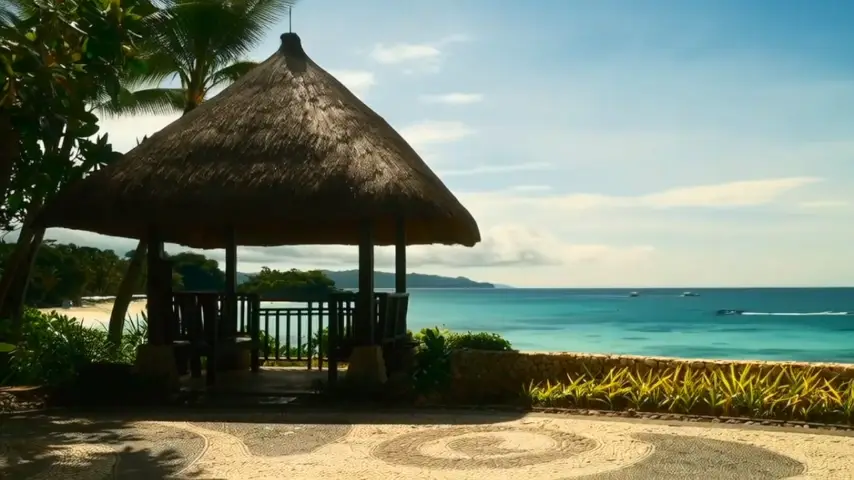
Beachfront living room → the camera pushes out to the ocean
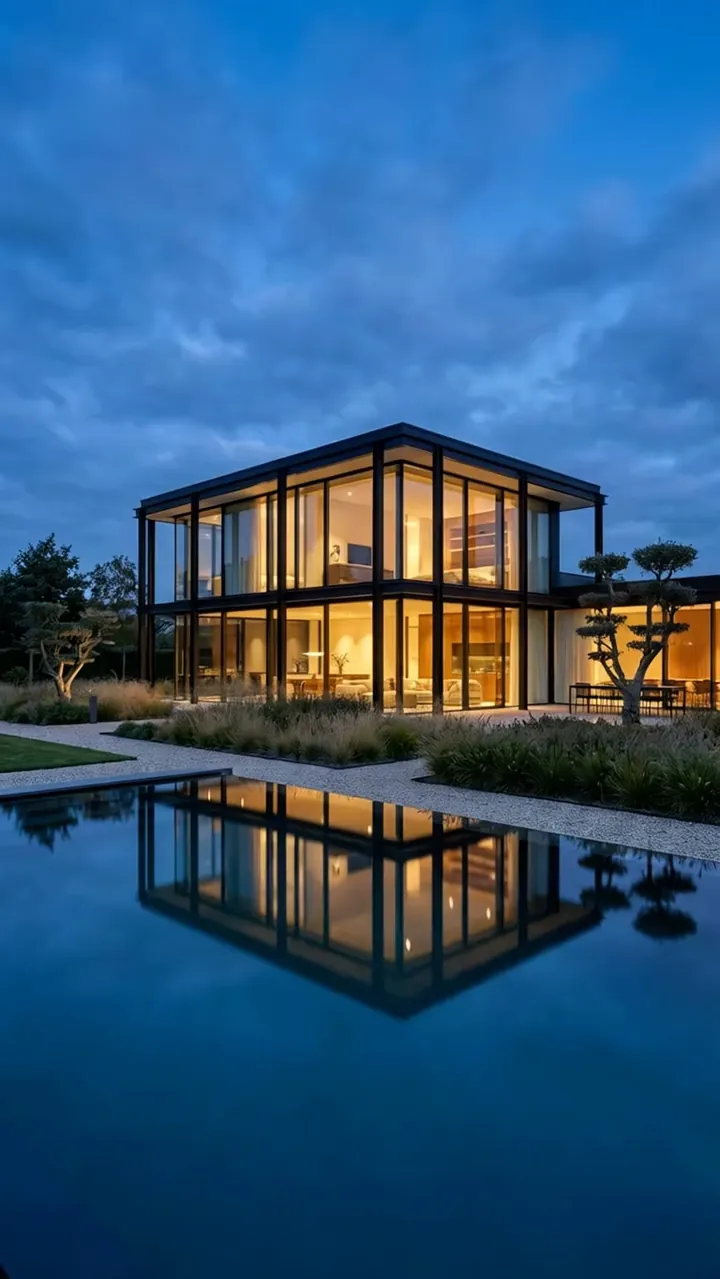
Glass house at blue hour → the sky fills with stars

Sunlit living room → the light warms and the fire lights

Dark kitchen in marble and brass → the camera tracks the galley
Why timelapses don't get made
A timelapse means a tripod, an interval, hours spent waiting on the light, and a grade afterwards. The people who most want one are shooting real estate, drone and travel work on schedules with no room in them for a day like that.
One screen does all of it
Upload the photo, set the duration and the quality, pick one of 13 camera moves, add effects, press the button. There is no second screen and no export step. The render is watchable while it runs, and what lands is an HD file.
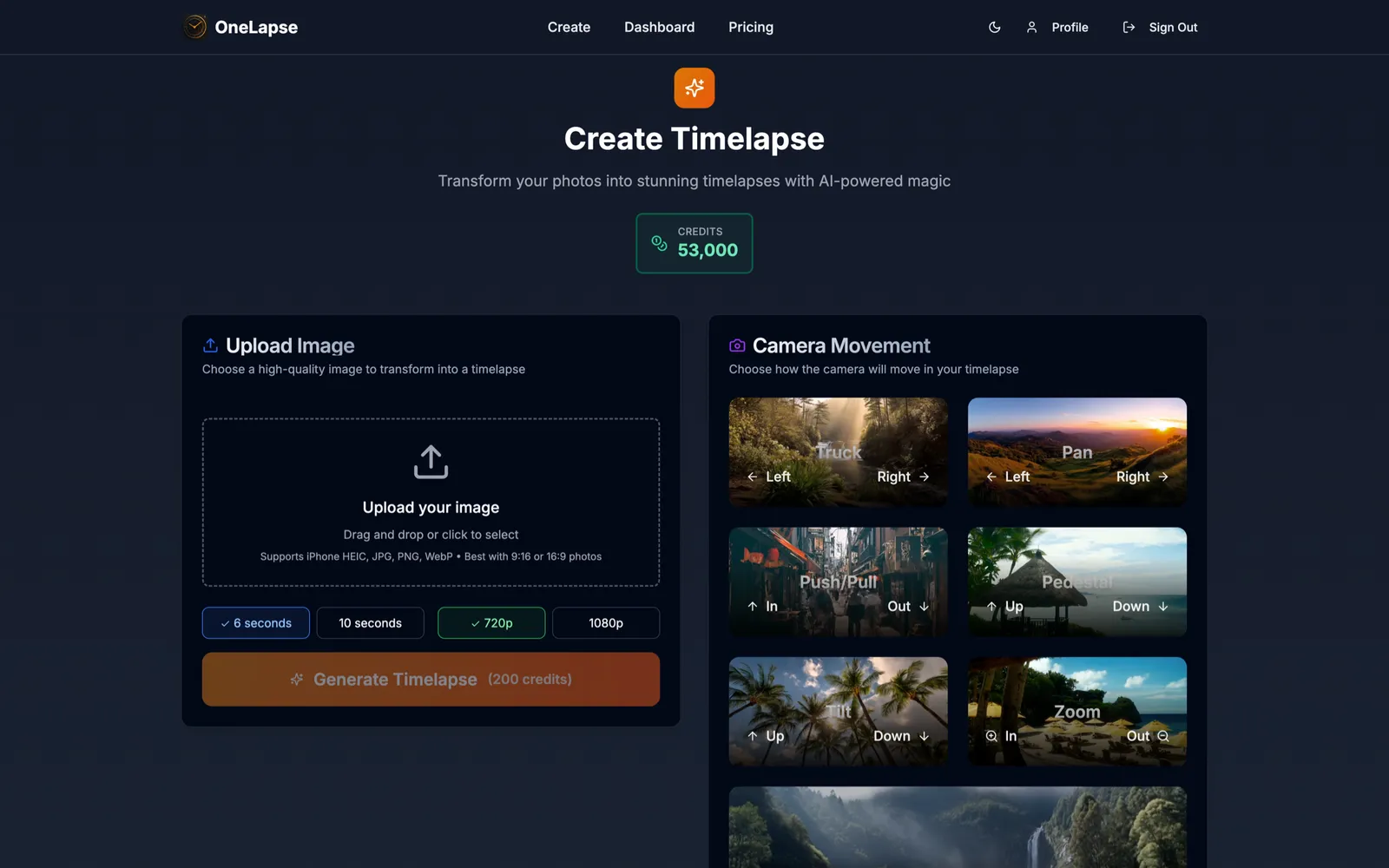
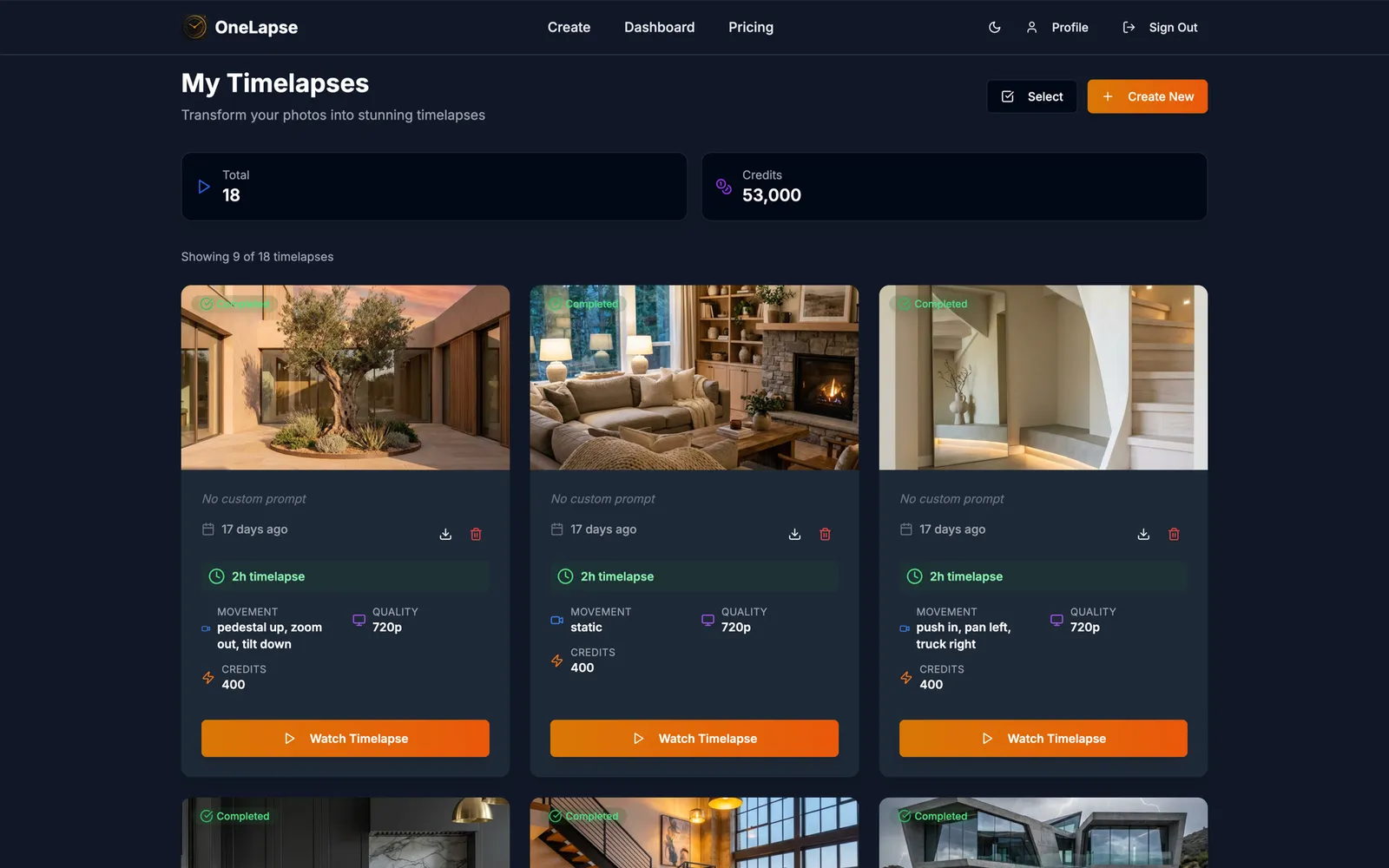
Thirteen camera moves
Every clip here began as a single still photograph. The move is the only thing the user picks — truck, pedestal, dolly, pan, tilt, zoom: the words a camera operator already uses, because the person picking is choosing a shot rather than writing a prompt.
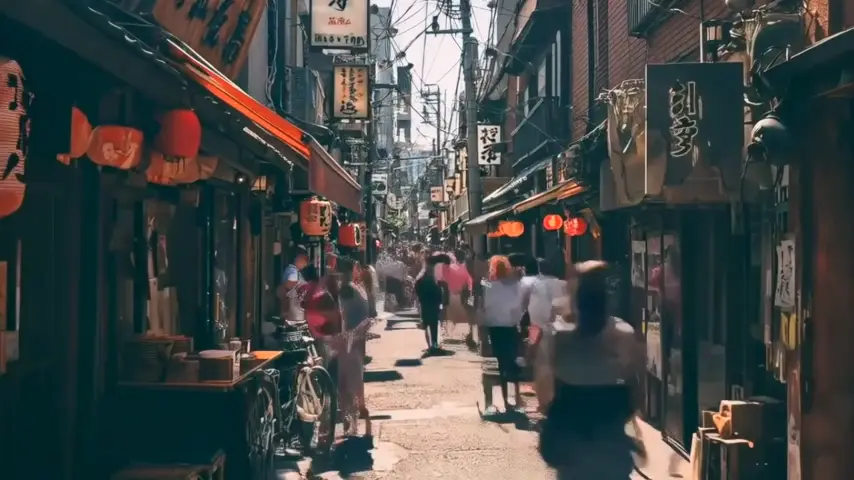
Push in
Pull out
Zoom in
Zoom out
Pan left
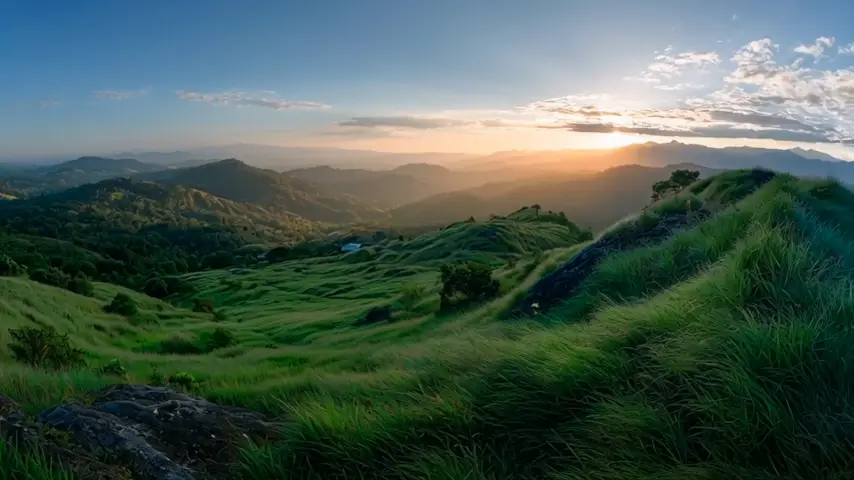
Pan right
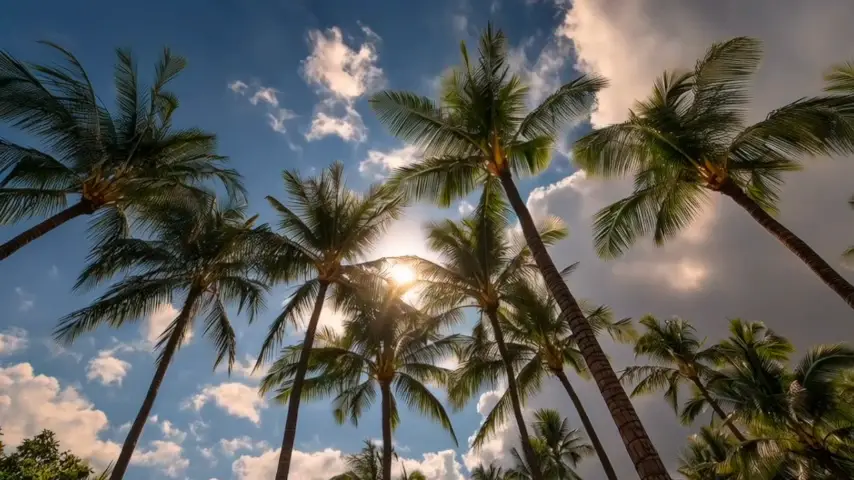
Tilt up
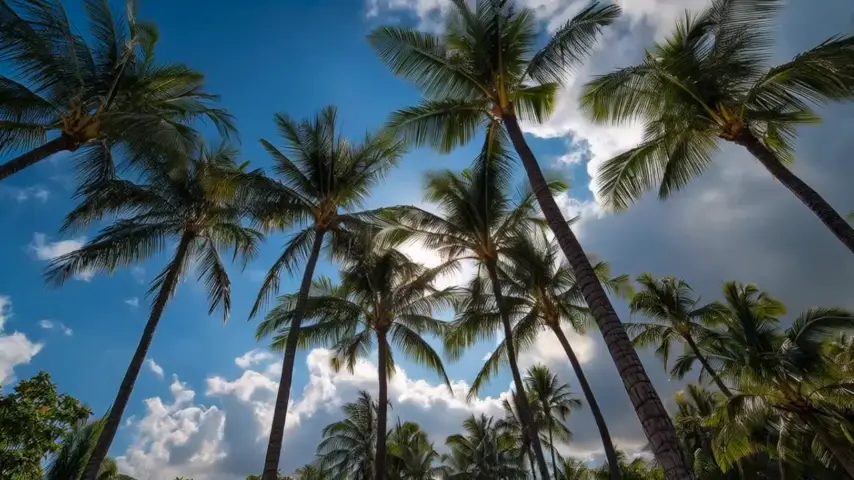
Tilt down
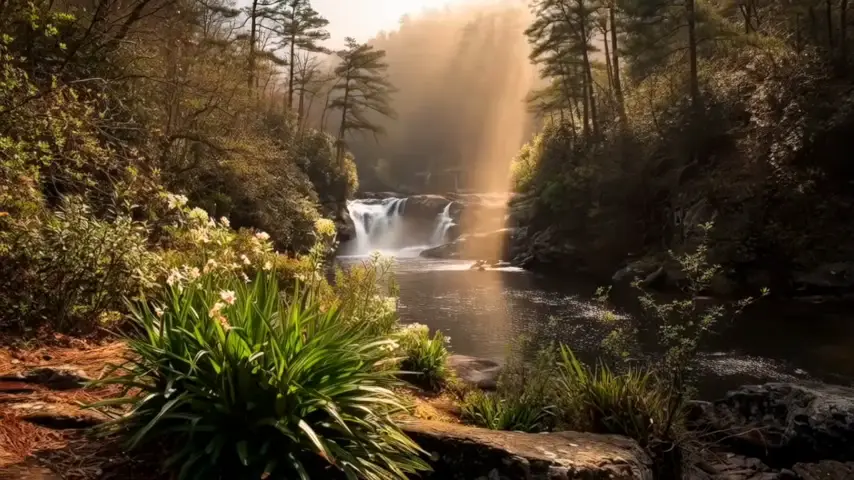
Truck left
Truck right
Pedestal up
Pedestal down
Static
Four kinds of picture
Real estate, travel, landscape, drone. The only question left by this point is whether it works on your subject, and this is the range there is evidence for.
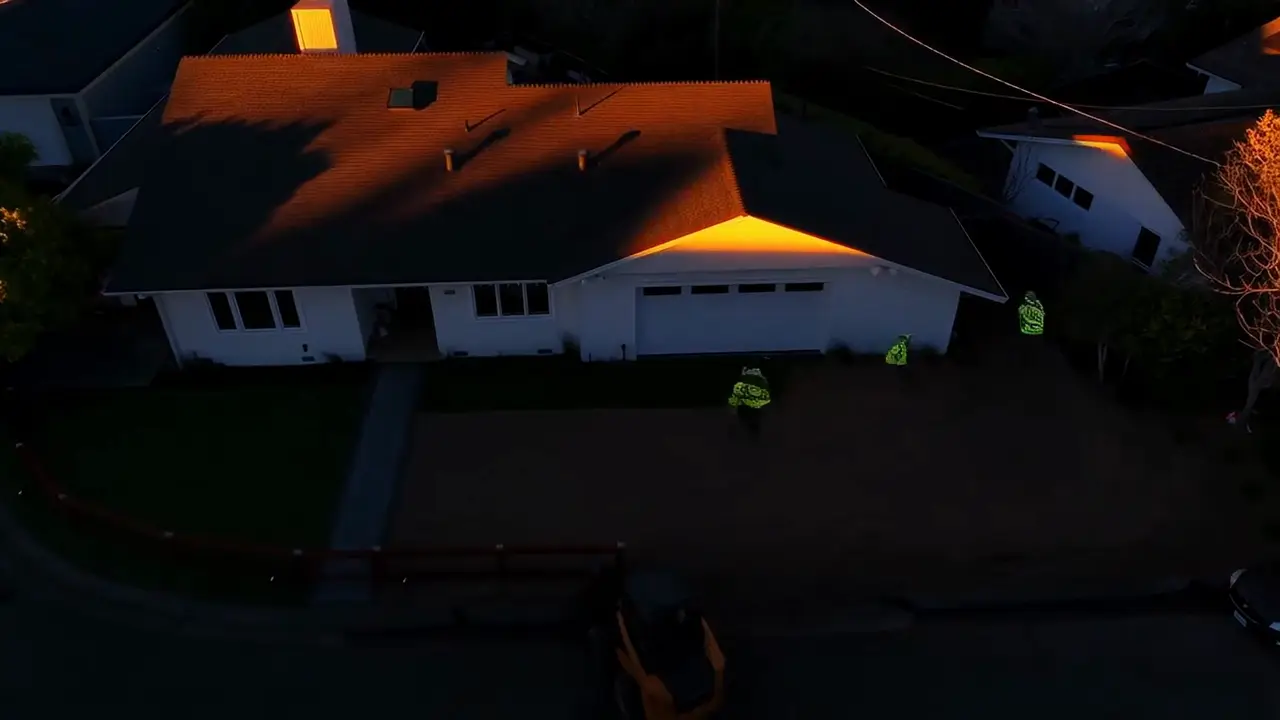
Real estate listing
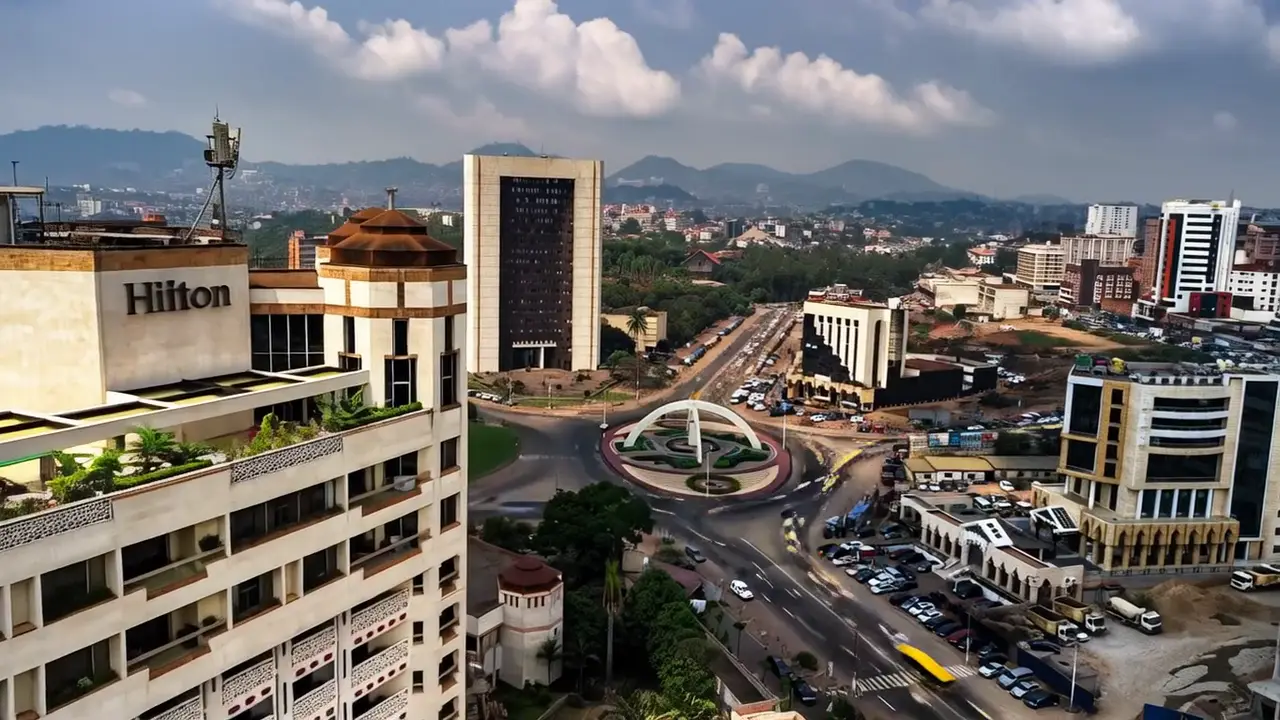
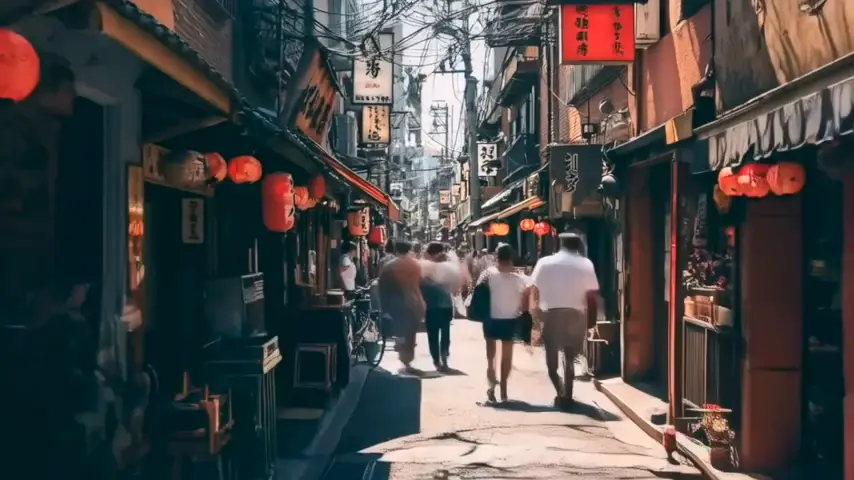
Travel: city skyline
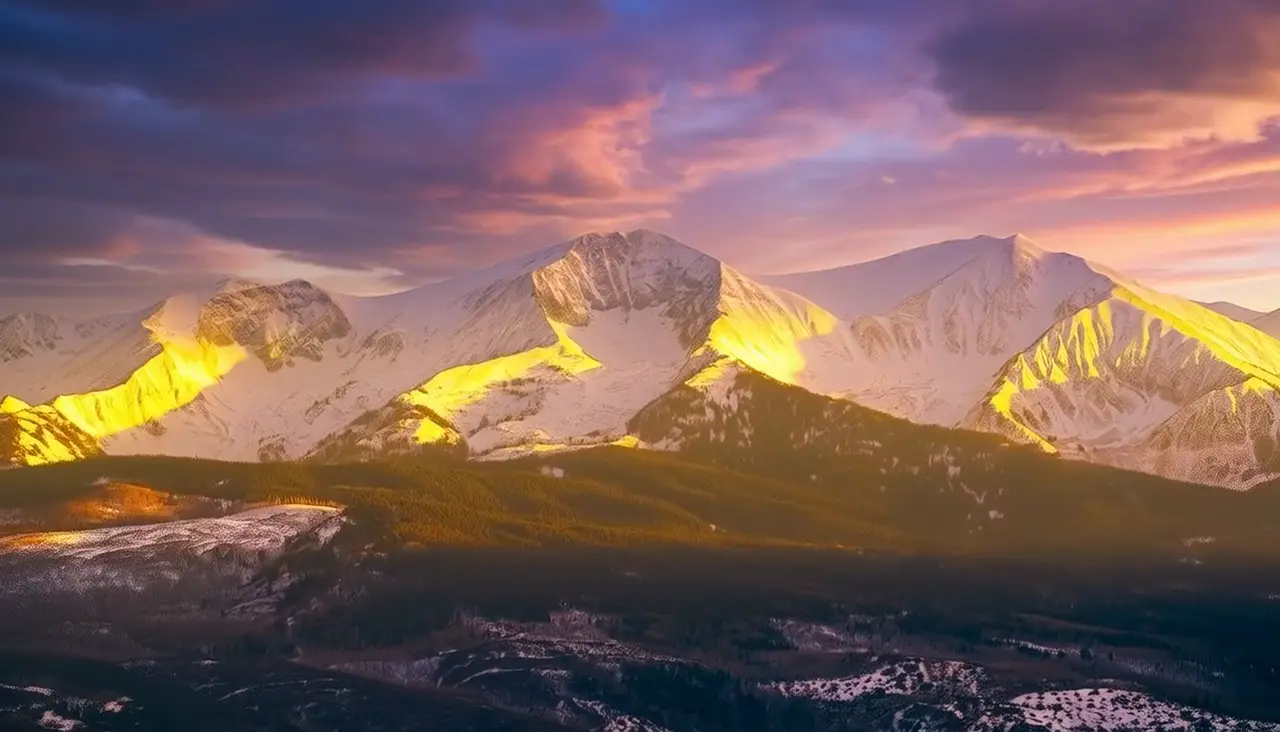
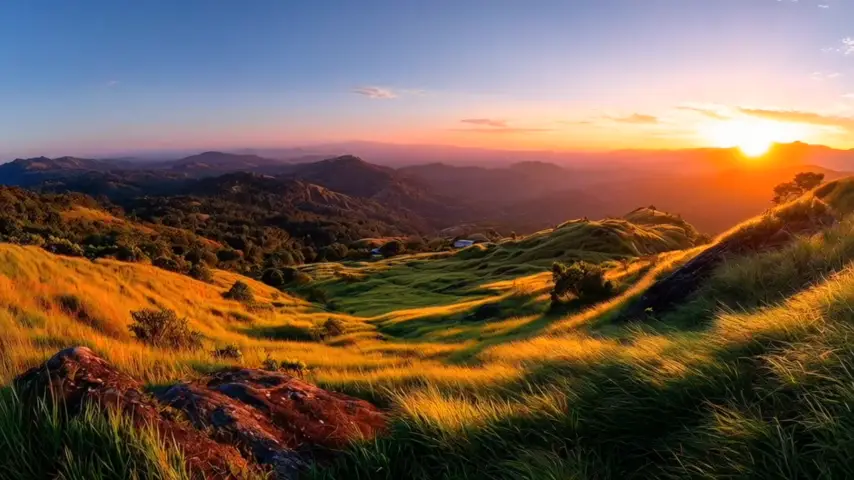
Landscape: alpenglow
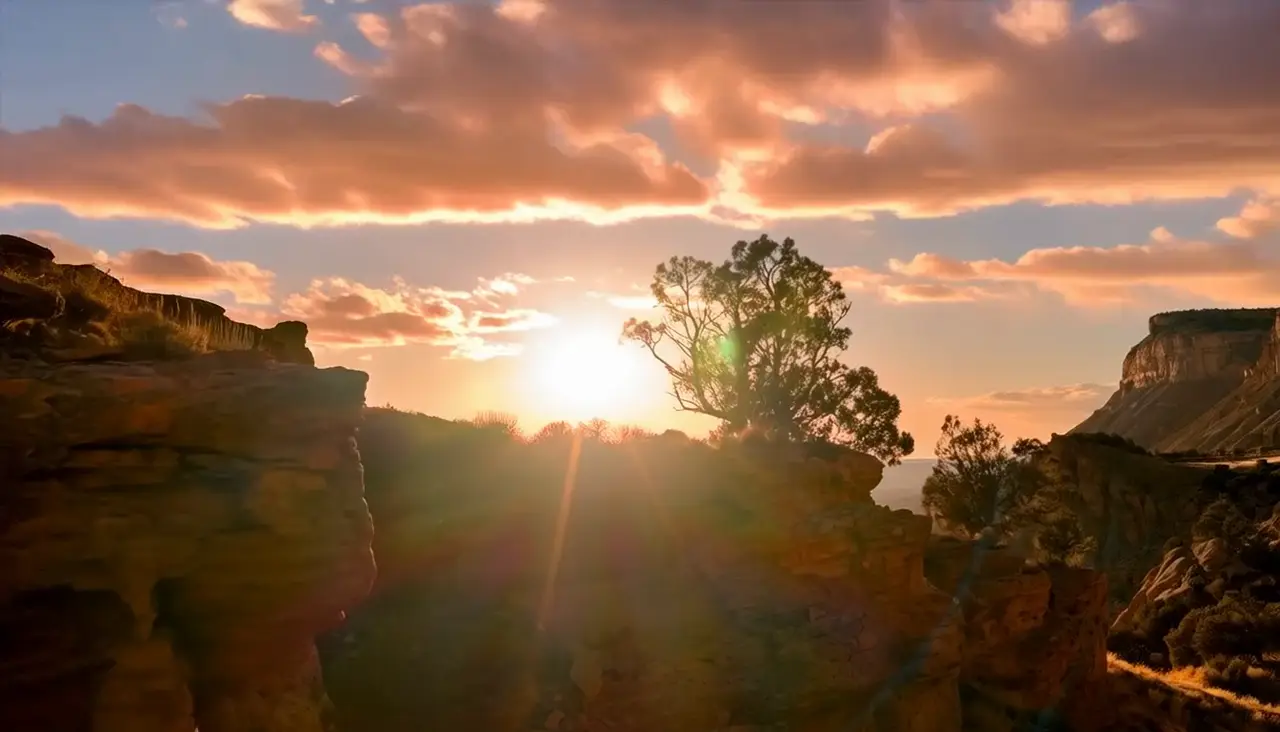
Landscape: canyon sunrise
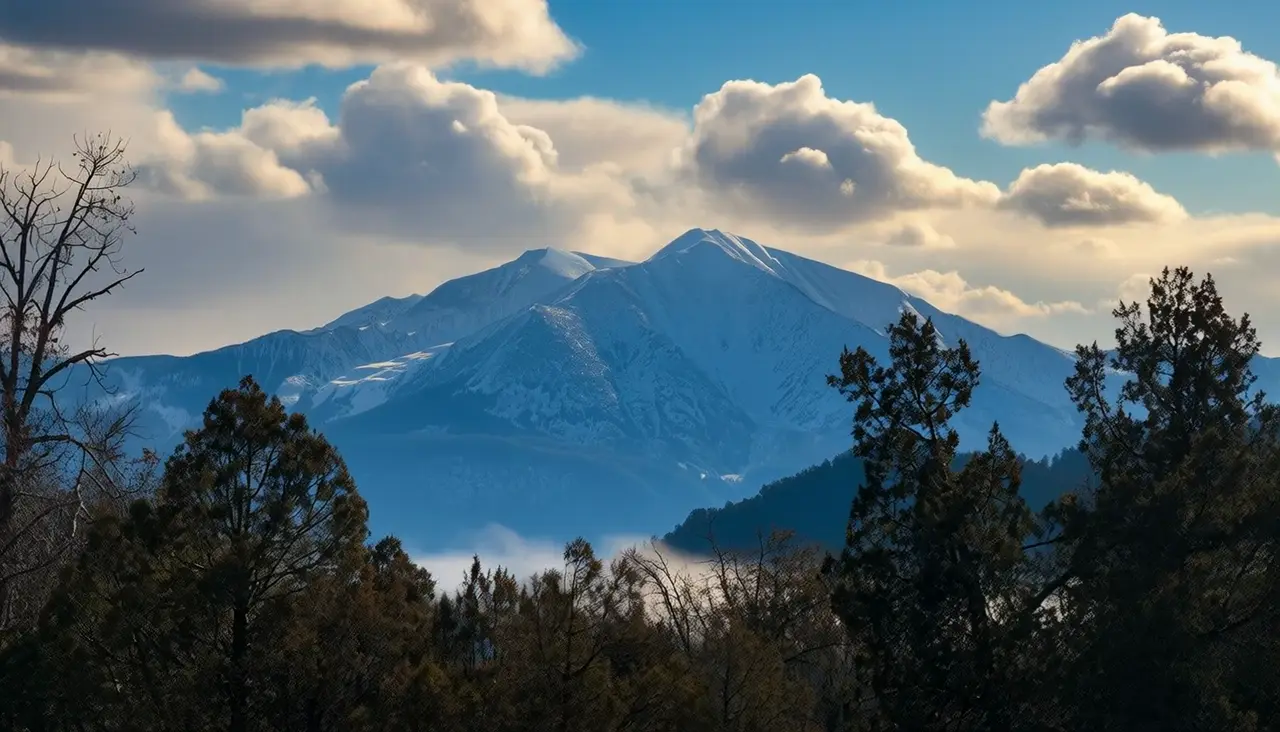
Drone: winter peaks
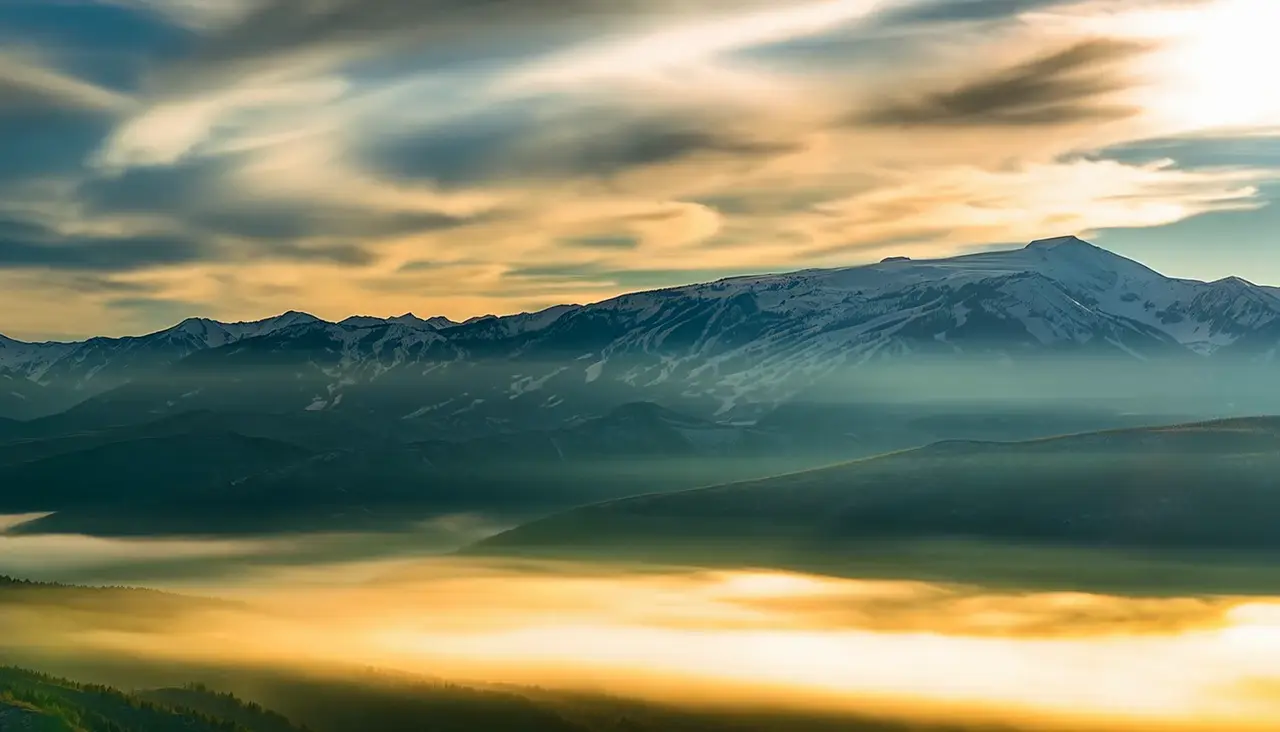
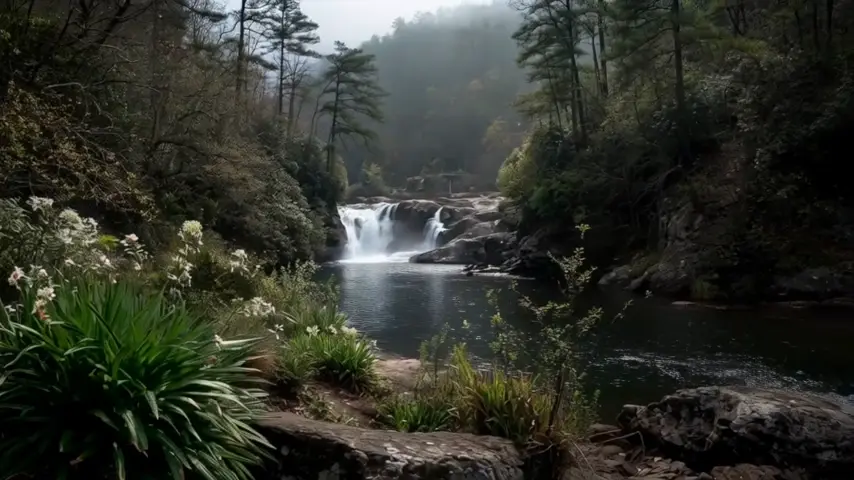
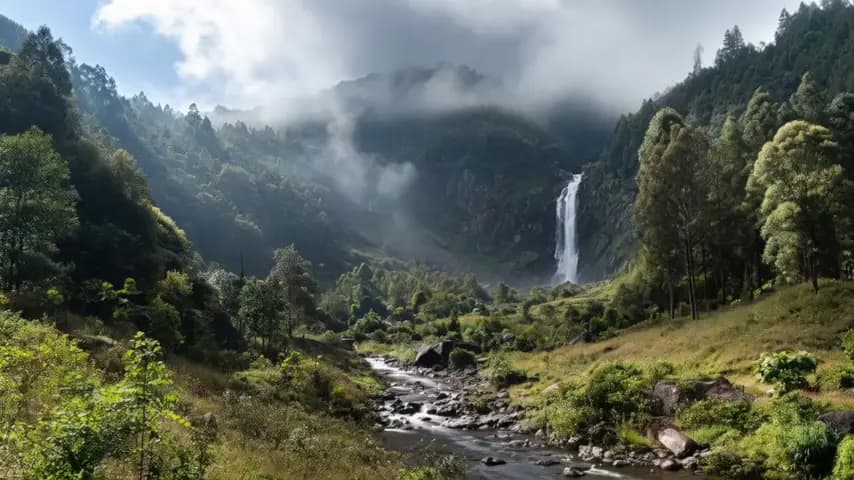
Landscape: valley fog
The shoot is gone
Hours of setup and post-production become an upload and a wait measured in seconds. The photograph does not have to be shot for it: a listing frame, a drone still, a picture from a trip already qualifies. The work happens on the archive somebody already owns, on a day that was never blocked out for it.
- Registered users
- 500+Registered users
Role
I led product, design, and the front end. OneLapse is co-founded with Ian Brillantes, and the generation pipeline, the credit system, and the iOS app are work the two of us did together.
Built with
Senior Software Engineer & AI Engineer
Stack
- AI Video Generation
- Stripe
- Credit-Based Pricing
- iOS
- Real-Time Generation Tracking
Start a project
What do you need built?
Tell me what the thing has to do and who has to use it after I leave. We'll get on a call, and I'll tell you what it takes.
Start a project